How I Brighten Highlights in Reflections With ON1’s Masking Tools
If you are trying ON1 Photo RAW, the ON1 plug-ins like ON1 Effects or ON1 HDR, or upgrading your ON1 software to a newer version, please consider using my affiliate link. There is no extra cost to you and it helps support my work and this website.
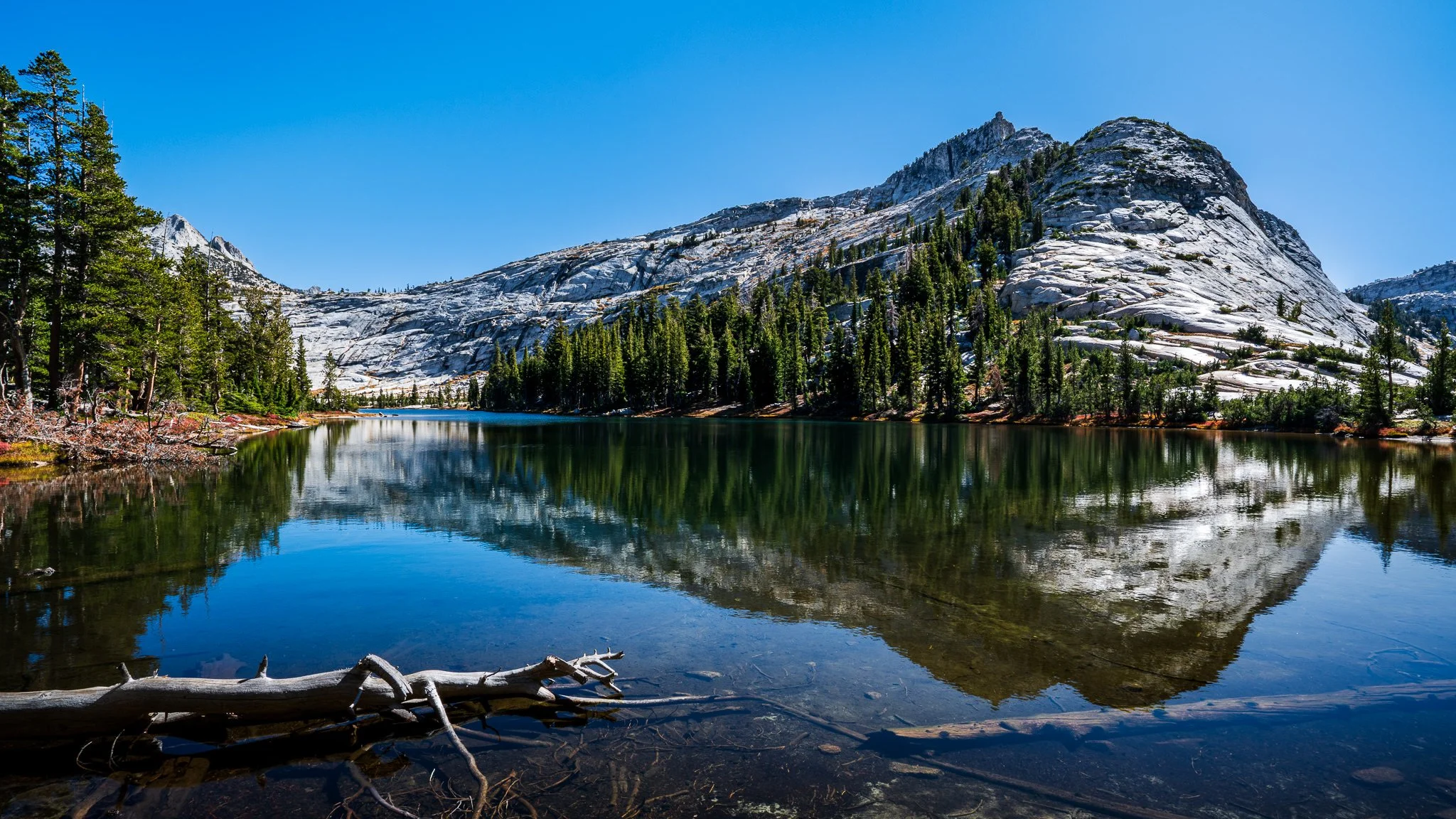
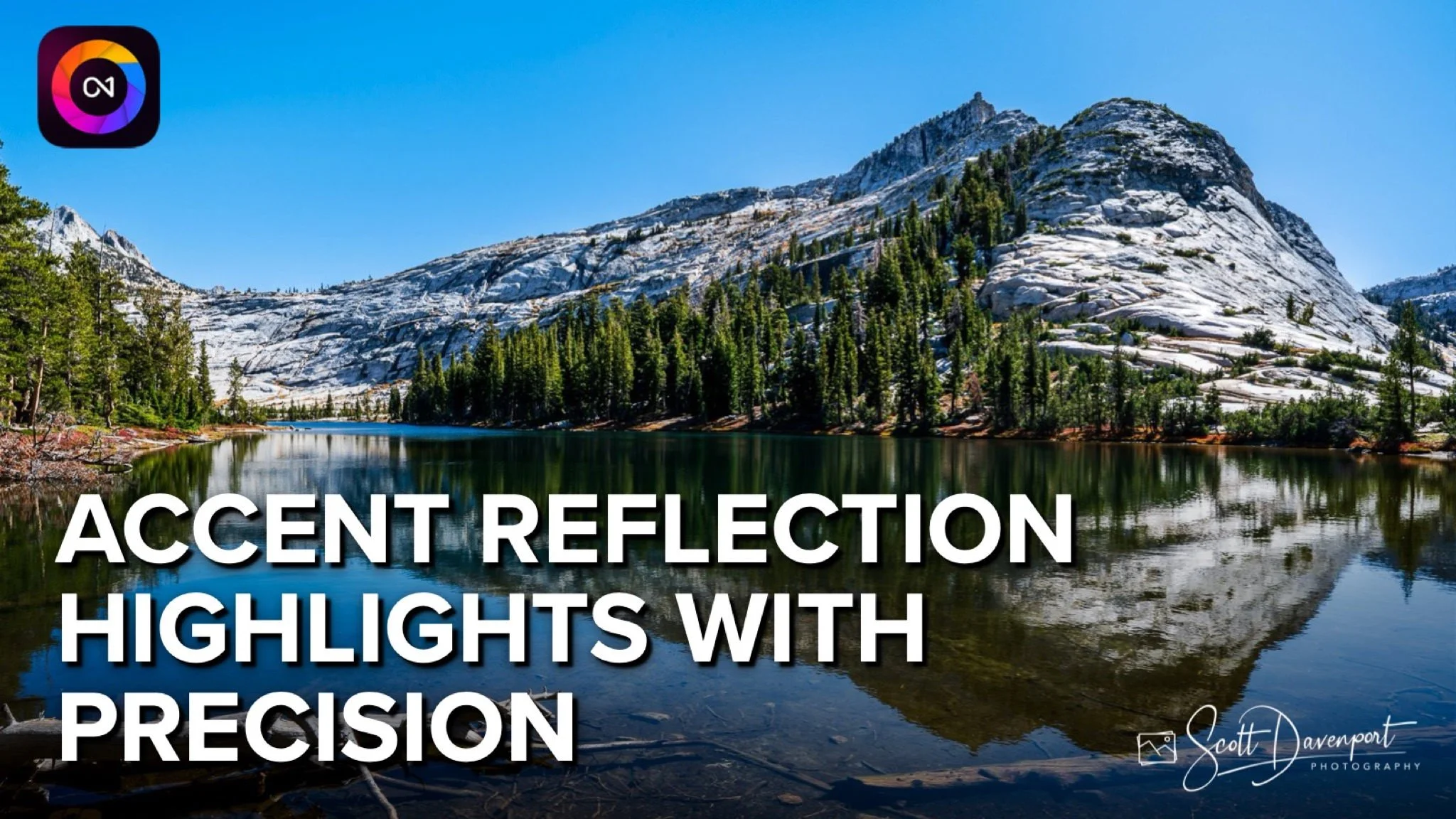
In this ON1 Photo RAW walkthrough, I show you my approach to accenting highlights in a lake reflection without washing out shadows or muddying midtones. Precision is everything — so I combine a Luminanosity Mask with a Brush in the intersect mode to target only the reflected highlights and keep the rest of the scene untouched.
If you’ve ever struggled to control reflections or wondered how to push brightness exactly where you want it, this tutorial is for you. Clean, natural, believable adjustments — all with ON1’s masking tools. Let’s dive in!
Reflections, Lower Cathedral Lake, Yosemite National Park
Contact Scott to commission a print or license this image.